I-Share
Change Number of Holdings in GetIt Display
Created: January 7, 2021
How to Change the Number of Holdings Displayed in the GetIt Section of an Item Record
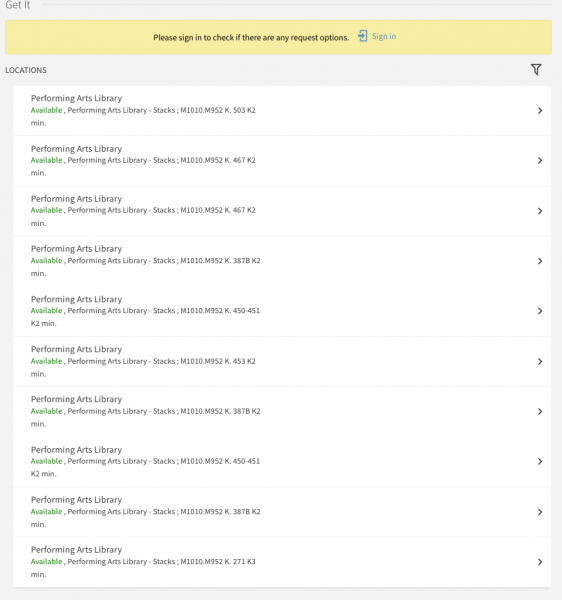
In the Get It section of a record's full display, Primo VE displays a maximum of 10 holdings. Although there are 27 holdings in this example, only 10 appear under the GetIt Locations section:
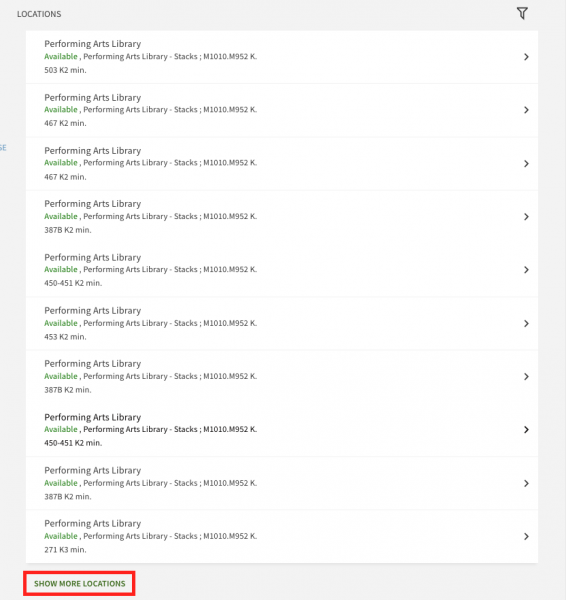
You can change this to display a "Show More Locations" link when there are more than 10 holdings for an item.
How to Change the Number of Holdings Displayed
To make these changes, you must have the Discovery Admin role in Alma.
- Navigate to Alma Configuration > Discovery > Other > Customer Settings. A mapping table will open.
- Scroll to the max_holding_per_record setting.
- Click on the ellipsis button and select "Customize."

- Set the parameter value to any number from 1 though 100. Any value over 11 will display a "Show More Locations" link under the list of holdings if there are more than 10 holdings. Users can click the link to view all the holdings. CARLI Recommendation: set the parameter value to 100.

- Click "Save" at the top of the page to save your changes.
The GetIt section will now include the "Show More Locations" link under the Locations list when there are more than 10 holdings.